

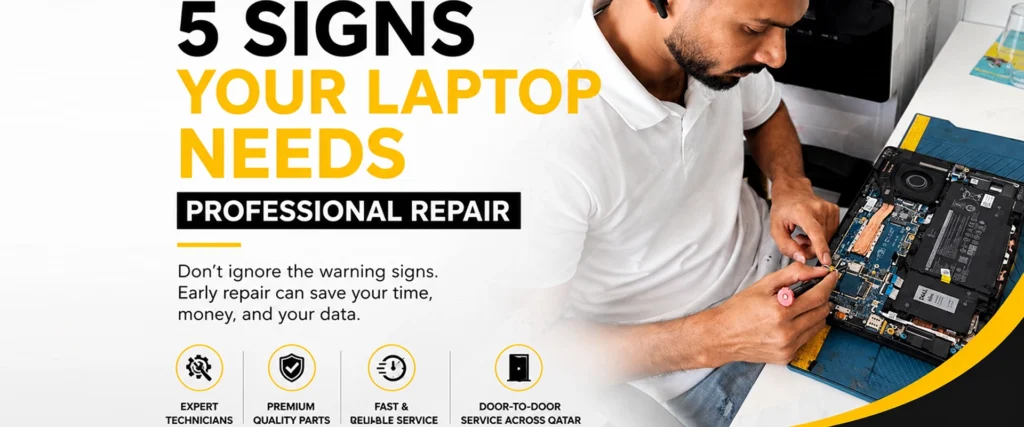
Your laptop is an essential part of your daily life, whether you use it for work, studies, business, or entertainment. Over time, even well-maintained laptops can develop issues that affect their performance. Recognizing these warning signs early can help prevent costly repairs and protect your important data.
1. Your Laptop Is Running Extremely Slow
If your laptop takes several minutes to start up, frequently freezes, or struggles to open applications, it may be experiencing hardware or software issues. Common causes include a failing SSD or hard drive, insufficient memory, malware, or an overheating system.
A professional technician can diagnose the root cause and recommend the best solution to restore your laptop’s performance.
2. The Laptop Overheats Frequently
A laptop that becomes unusually hot during normal use is often a sign that dust has accumulated inside the cooling system or that the cooling fan is no longer working efficiently.
Ignoring overheating can lead to reduced performance, unexpected shutdowns, or even damage to internal components. Regular internal cleaning and thermal paste replacement can help keep your laptop running at a safe temperature.
3. Battery Drains Quickly or Won’t Charge
If your laptop battery no longer lasts as long as it used to, or it refuses to charge properly, the battery or charging circuit may need attention.
Signs include:
- Battery percentage drops rapidly
- Laptop only works while plugged in
- Charging stops intermittently
- Battery warning messages appear
A professional inspection can determine whether the battery, charger, or charging port is causing the problem.
4. Display or Keyboard Problems
A flickering screen, black display, dead pixels, or an unresponsive keyboard can make using your laptop difficult.
These issues may result from:
- Display cable damage
- LCD panel failure
- Keyboard wear
- Liquid spills
- Motherboard-related faults
Prompt repairs can prevent further damage and restore normal functionality.
5. Strange Noises or Unexpected Shutdowns
Clicking noises, loud fan sounds, repeated crashes, or sudden shutdowns should never be ignored.
These symptoms may indicate:
- Storage drive failure
- Cooling fan problems
- Overheating
- Power supply issues
- Motherboard faults
Professional diagnostics can identify the issue before it leads to complete hardware failure or permanent data loss.
Why Early Repairs Matter
Delaying repairs can turn a minor issue into a major one. Early diagnosis helps:
- Prevent expensive hardware replacements
- Protect valuable files and personal data
- Improve laptop performance
- Extend the lifespan of your device
- Reduce unexpected downtime
Professional Laptop Repair Services in Qatar
Whether your laptop is slow, overheating, has battery issues, or won’t turn on, professional diagnosis is the safest way to identify the problem.
At Tech Care, our experienced technicians provide reliable laptop repair services for all major brands. From hardware repairs and battery replacement to motherboard diagnostics, screen replacement, and performance optimization, we ensure your device is repaired with care and precision. We also offer convenient door-to-door service across Qatar, making laptop repair fast and hassle-free.
Final Thoughts
Your laptop often gives clear warning signs before a serious failure occurs. Paying attention to these symptoms and seeking professional help early can save both time and money.
If your laptop is showing any of these signs, don’t wait until it stops working completely. A professional inspection can help restore its performance and keep it running reliably for years to come.


