

iPhone Not Charging? How to Tell If It Is the Cable, the Port or the Battery

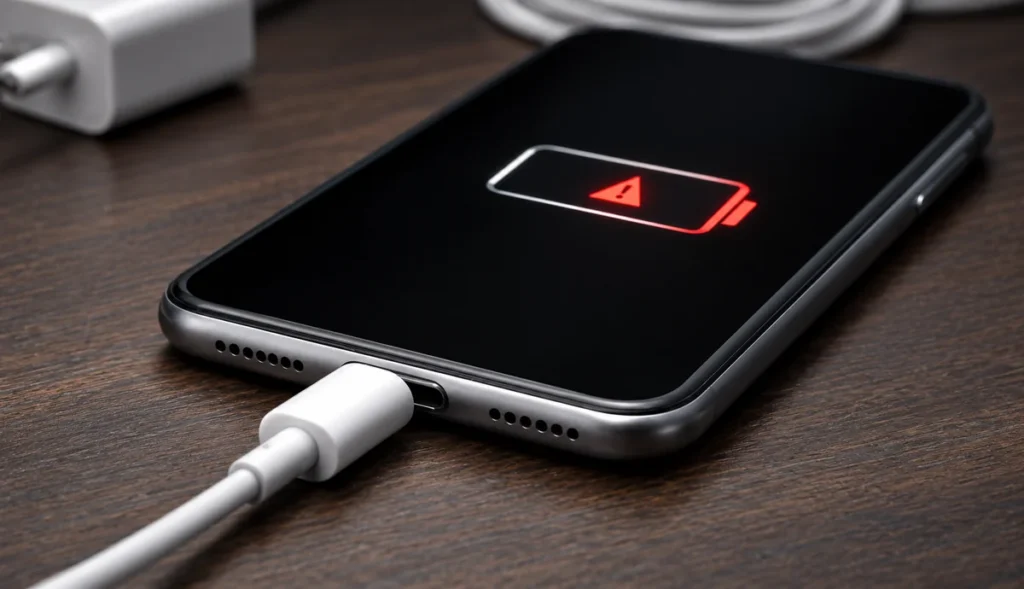
Quick answer: An iPhone that will not charge usually has one of three problems. A failed cable or adapter, a charging port blocked with pocket lint and dust, or a worn battery. Test a different cable first, then look inside the port with a torch. In Qatar, a blocked port is the most common cause we see, and it is also the cheapest to fix. Tech Care Qatar cleans and repairs charging ports at your home or office anywhere in Qatar, usually in 30 to 40 minutes.
Key points
- Try a different cable and a different wall socket before assuming the phone is broken.
- A port packed with lint is the most common cause in Qatar and takes minutes to clear.
- Never use compressed air or a pin in the charging port. Both make the problem worse.
- If the phone charges but drains quickly, the port is fine and the battery is the problem.
- A phone that is completely flat needs 15 minutes on the charger before it will respond at all.
Start with the cable and the adapter
More phones arrive at us with a failed cable than with a failed phone. Cables break internally where they bend, usually right at the connector, and the damage is often invisible from the outside.
Try a different cable. Then try a different adapter. Then try a different wall socket. If you have a car charger or a power bank, try that too. This takes two minutes and it resolves a large share of cases at no cost.
If the phone has been completely flat for a while, leave it connected for 15 minutes before deciding anything. A deeply discharged battery will show nothing on screen until it has taken on a small amount of charge.
Look inside the charging port
This is the step most people skip, and in Qatar it is the one that matters most.
The charging port is an open slot at the bottom of the phone that spends its life in a pocket or a bag. Lint, dust and fine sand fall in. Every time you push the cable in, you compress what is already there. Over a year or two it builds into a solid plug sitting on top of the contacts, and the cable can no longer reach them.
Turn the phone off and shine a torch straight into the port. A clean port shows a small metal tongue with clear space around it. A blocked port looks grey and solid, with no visible gap.
The symptoms arrive in a predictable order. First the cable stops clicking in firmly. Then it charges only if you hold it at an angle or press it in. Then it charges on and off. Then it stops charging altogether, and the phone gets declared dead.
Why you should not clean the port yourself
Do not use compressed air. It pushes the lint deeper and packs it harder against the contacts, which turns a simple clean into a difficult one.
Do not use a pin, a needle or a SIM tool. The contacts inside the port are small and thin. Scratching or bending them turns a cleaning job into a port replacement, which costs considerably more.
A technician clears a port using non conductive tools under magnification, with the phone powered down. It takes a few minutes and the phone charges normally afterwards.
How to tell it is the battery instead
If the phone charges normally but runs down far too quickly, the port is doing its job and the battery is the problem.
Open Settings, tap Battery, then Battery Health. The figure to read is Maximum Capacity. It tells you how much charge the battery still holds compared with when it was new. Below 80 percent, the battery is worn and replacement is the fix. Apple’s own support guidance uses the same threshold.
Two other signs point at the battery rather than the port. The phone shutting down suddenly while still showing 20 or 30 percent, and the phone restarting when you open the camera or a demanding app. Both mean the battery can no longer deliver power on demand.
What about slow charging?
Slow charging has its own set of causes, and most are not faults at all.
The phone may be warm. iOS slows charging when the device is hot, which in Qatar happens regularly in a car or in direct sun. Move it somewhere cool and try again.
The adapter may be underpowered. A low wattage adapter will charge a modern iPhone very slowly. Check what you are using.
Optimised Battery Charging may be holding the phone at 80 percent overnight on purpose. This is a feature, not a fault, and it exists to extend battery life.
If none of those apply and charging is still slow, a partially blocked port is the likely cause.
Which fault do you have?
| What you see | Most likely cause | What fixes it |
|---|---|---|
| Nothing at all, no charging symbol | Flat battery, failed cable, or fully blocked port | Wait 15 minutes on a known good cable, then check the port |
| Works only at a certain angle | Blocked or worn port | Port cleaning, occasionally port replacement |
| Charges on and off | Blocked port or damaged cable | New cable first, then port cleaning |
| Charges fine but drains fast | Worn battery | Battery replacement |
| Shuts down at 20 to 30 percent | Worn battery | Battery replacement |
| Charges very slowly | Heat, weak adapter, or partly blocked port | Cool the phone, use a proper adapter, then check the port |
| Port is loose or wobbly | Damaged port | Port replacement |
What does a charging port repair involve?
A technician from Tech Care Qatar comes to your home or office anywhere in Qatar. The phone is powered down, the port is inspected under magnification, and the blockage is removed with the correct tools. The cable is then tested in front of you to confirm it seats properly and charges.
Most port cleaning is finished in 30 to 40 minutes on your table. If the port itself is damaged and needs replacing, that is a part replacement rather than a clean. The technician tells you which one you need and what it costs before starting any work, and every repair carries a warranty.
If the battery turns out to be the problem instead, that is also a doorstep repair using a certified battery, in the same visit where possible.
If you would rather visit, the Tech Care Qatar service centre is at Office 52, 5th Floor, Al Ezz Tower 4, Old Slata, Doha, open Saturday to Thursday 9 AM to 9 PM and Friday 4 PM to 10 PM.
Send a message to +974 777 42 712 on WhatsApp and describe what the phone is doing.
Frequently asked questions
Why has my iPhone suddenly stopped charging?
The most common causes are a failed cable, a charging port packed with pocket lint, or a worn battery. Test a different cable first, then look inside the port with a torch.
Can a blocked charging port stop an iPhone charging completely?
Yes. Compressed lint sits on top of the contacts and stops the cable reaching them. It is one of the most common faults we see in Qatar and it is usually cleared in minutes.
Is it safe to clean an iPhone charging port myself?
It is not recommended. Compressed air packs the lint deeper and metal tools bend or scratch the contacts, which turns a cleaning job into a port replacement.
How much does iPhone charging port repair cost in Qatar?
Cleaning and port replacement are priced differently. Send a message to +974 777 42 712 describing the fault and you will get a quote before any work is booked.
How do I know if it is the battery and not the port?
If the phone charges normally but runs down quickly, or shuts off while still showing 20 to 30 percent, it is the battery. Check Settings, Battery, Battery Health and read Maximum Capacity.
Does Tech Care Qatar repair charging ports at home?
Yes. Charging port cleaning and replacement are doorstep repairs anywhere in Qatar, usually completed in 30 to 40 minutes with a warranty on the work.


