


iPhone Camera Blurry, Shaking or Black? How to Find the Cause
A blurry iPhone camera is most often caused by a dirty lens, a case or lens protector in the way, or a cracked lens cover. A camera that shakes, buzzes or will not focus usually has a damaged stabilisation or focus part, often after a drop or strong vibration. A black camera screen can be software or a faulty camera module. Clean the lens, remove the case, restart and update first. If the fault stays, the camera needs a repair.
The iPhone camera is one of the parts people use most, and one of the first they notice when something goes wrong. This guide helps you work out what kind of fault you have before you spend any money.
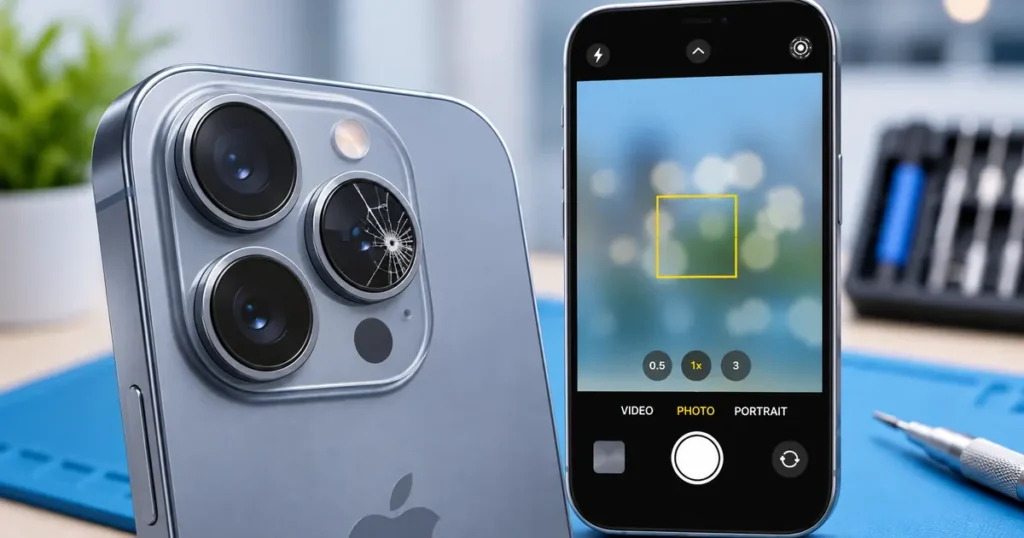
Match the symptom to the likely cause
| What you see | Most likely cause | Fix |
| Photos look soft or hazy | Dirty lens, fingerprint or smudge | Clean the lens with a soft cloth |
| Blur in one area or a halo around lights | Scratched or cracked lens cover | Lens cover replacement |
| Camera image shakes or vibrates, or you hear a buzz | Damaged stabilisation part | Camera module replacement |
| Camera will not focus up close | Focus part stuck or damaged | Camera module replacement |
| Black screen in the camera app | Software glitch or faulty camera | Restart and update, then repair if needed |
| One lens (0.5x or zoom) does not work | Fault in that camera unit | Camera module replacement |
| Foggy photos for a few minutes | Condensation on the lens | Wait for it to clear |
Checks you can do at home
1. Clean the lens. Use a soft microfibre cloth. Do not use tissue paper, which can scratch the glass.
2. Remove the case and lens protector. Some cases and camera covers block part of the lens or cause flare.
3. Close and reopen the Camera app. Swipe up from the bottom of the screen and close it fully.
4. Restart the iPhone. This clears many black screen problems.
5. Update iOS. Go to Settings > General > Software Update.
6. Test every lens. Tap 0.5x, 1x and the zoom option. If only one lens fails, the fault is in that camera unit.
7. Try another app. Open the front and rear camera in a video call app. If the camera fails in every app, it is likely hardware.
8. Check Parts and Service History. Go to Settings > General > About. If the camera has been replaced before, it will show here on recent models.
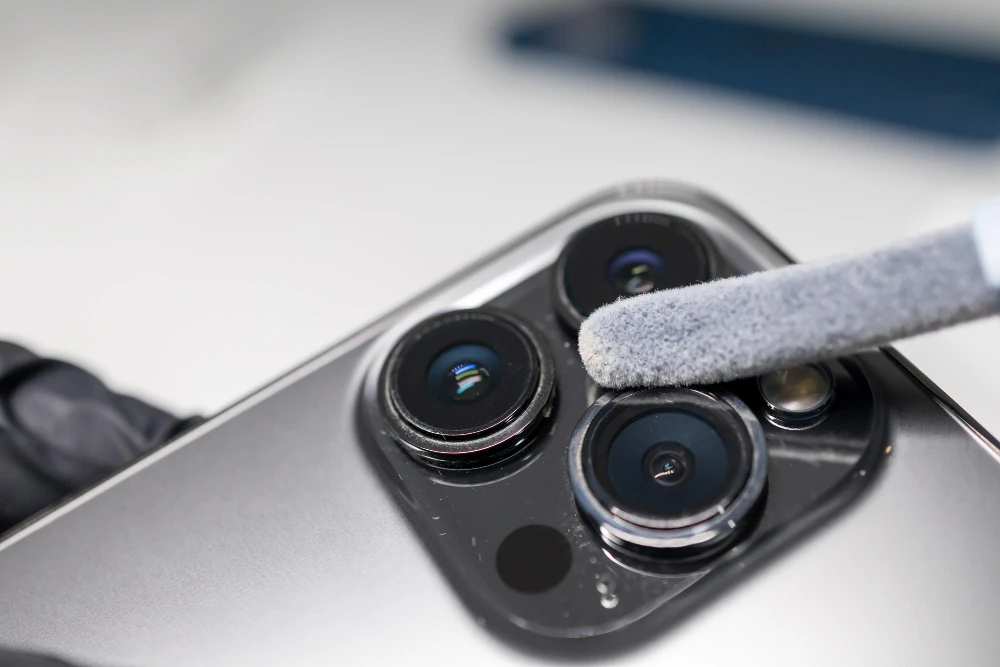
Why iPhone cameras shake: drops and vibration
Modern iPhone cameras use optical image stabilisation. Small moving parts inside the camera keep photos steady. These parts are delicate.
A hard drop can knock them out of place. Strong vibration can also wear them down. Apple advises against mounting an iPhone on high-power motorcycles, because their engine vibration can damage the camera system over time. This matters in Qatar, where many delivery riders mount their phone on the handlebar for navigation. If you ride often, use a mount with a vibration dampener.
Foggy lens in Qatar’s humidity
If you walk from a cold air-conditioned room into humid air outside, the lens can fog for a few minutes. Photos look hazy and soft. This is normal condensation and clears on its own. If the fog stays for hours, or you see moisture inside the lens, the phone may have water inside and should be checked. Our guide on iPhone water damage covers what to do.
Cracked lens cover or damaged camera: what is the difference?
The rear camera has a small glass cover on the outside. If this cover cracks, light scatters and photos look blurry or show a halo, even though the camera behind it works fine. A cracked cover can often be replaced on its own.
If the problem is shaking, buzzing, no focus or a black screen, the camera module itself is usually damaged. In that case the module is replaced.
Do not wait too long with a cracked lens cover. Dust and moisture can get through the crack and damage the camera behind it.
What to expect after a camera repair
A camera module replacement brings back sharp photos, focus and stabilisation. On recent iPhones, iOS may show a notice in Parts and Service History after the camera is replaced. Ask your technician what to expect for your model before the repair.
Get your iPhone camera fixed with Tech Care Qatar
Tech Care Qatar repairs iPhone cameras, lens covers, flash and front cameras. Our independent technicians serve customers across all of Qatar, at your home, office or our service centre in Doha. Most repairs are done in 30 to 40 minutes and come with a warranty.
Book an iPhone camera repair on WhatsApp or see all iPhone repair services.
If you are buying a second hand iPhone, test every camera first. Our used iPhone checklist shows you how.
Frequently asked questions
Why is my iPhone camera blurry all of a sudden?
The most common reasons are a dirty lens, a case in the way, or a cracked lens cover. If cleaning does not help and the image also shakes or will not focus, the camera has a hardware fault.
Can a shaking iPhone camera fix itself?
No. Shaking or buzzing means a stabilisation part inside the camera is damaged. It needs a camera module replacement.
Is a cracked camera lens the same as a broken camera?
Not always. The outer glass can crack while the camera behind it still works. The glass can often be replaced on its own.
How long does an iPhone camera repair take?
Most camera repairs at Tech Care Qatar are done in 30 to 40 minutes, depending on the model and part.