

MacBook Repair or Replace? A Complete Decision Framework
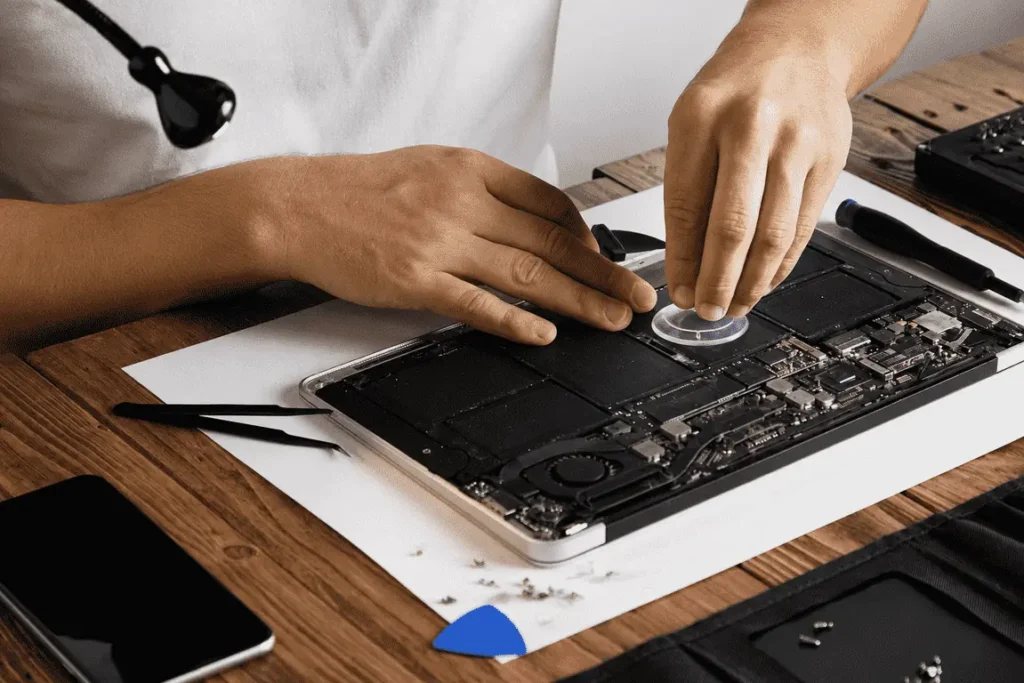
Direct answer: Repair a MacBook when the repair costs less than half of an equivalent replacement and the machine still meets your needs, which covers batteries, screens, keyboards, trackpads, and charging ports on almost every MacBook under seven years old. Consider replacement only when the machine has lost macOS support, carries multiple major faults at once, or is fundamentally too slow for your workload even in good health. A 30 to 40 minute diagnosis settles the question with numbers instead of guesswork.
What is the 50 percent rule for MacBook repair?
The 50 percent rule is the simplest reliable test: if a repair costs less than half of what an equivalent replacement machine would cost, and the MacBook otherwise does your work, repair it. If the repair approaches or exceeds half of replacement cost on a machine that is already too slow for your needs, replacement becomes the rational choice.
Two refinements make the rule sharper. First, compare against an equivalent replacement, not the newest flagship. If a mid range MacBook Air would replace your machine, that is the benchmark, not a maxed out MacBook Pro. Second, count remaining life, not just cost. A repair at 40 percent of replacement cost that buys three more years is excellent value. The same repair on a machine about to lose macOS support is worth a harder look.
In practice, the single fault repairs people face most, batteries, screens, keyboards, trackpads, fans, charging ports, and storage, all fall comfortably under the 50 percent line on almost any MacBook still receiving software updates.
Should I repair or replace based on my MacBook’s age?
| MacBook age | Recommendation | Reasoning |
| Under 4 years | Repair, almost without exception | Years of macOS support remain, resale value is meaningful, and every common fault is economical |
| 4 to 7 years | Repair single faults, reassess at two or more major faults | Battery and screen repairs remain high value. Stacked faults can approach the 50 percent line together |
| Over 7 years | Check macOS support first, then decide by use case | Repair still makes sense for browsing, documents, and media. Professional workloads justify budgeting toward replacement |
The 4 to 7 year band deserves a specific note, because it is where the most money is wasted on unnecessary replacements. A battery replacement on a five year old MacBook frequently makes it feel like a new machine, and there is a technical reason: macOS deliberately reduces peak performance on degraded batteries to prevent sudden shutdowns. Owners experience this throttling as “my MacBook got old and slow” when the honest description is “my battery got old, and the software slowed the machine to compensate.” Replacing the battery removes the throttling and restores both battery life and speed in one repair.
Which MacBook faults are worth repairing, fault by fault?
Battery: the highest value repair on the list. Fixes short runtime, sudden shutdowns, the plugged in only condition, and performance throttling simultaneously. Worth doing on any MacBook you intend to keep. A swollen battery, visible as a bulging bottom case or a trackpad that stops clicking properly, upgrades this from worthwhile to urgent, because swelling damages the trackpad, keyboard, and case from within.
Screen: a mid range repair covering cracked glass, dead pixels, vertical lines, backlight faults, and hinge damage. Still normally well under the 50 percent line. Fix it on any machine you plan to keep two or more years.
Keyboard and trackpad: low cost, high irritation faults. Sticky keys, repeating keys, dead keys, and unresponsive trackpads are all economical repairs.
Charging port and power faults: damaged ports and charging failures are routine repairs, and far cheaper than the replacement machine people fear when a MacBook stops charging.
Storage: failing storage shows up as slowness, beachballs, apps hanging, and files corrupting. A storage replacement or upgrade is economical and often doubles as a speed upgrade.
Liquid damage: the rule is simple: do not charge it, do not keep using it, get it inspected fast. Outcomes range from a simple internal clean, when caught early, to board repair when corrosion has spread. A liquid damaged MacBook is not automatically dead, and the difference between a cheap outcome and an expensive one is usually how quickly it was opened and cleaned.
Logic board faults: the one category to price case by case. Board level microsoldering repairs are usually still far cheaper than replacement, but this is where an honest diagnosis matters most, and where a technician who will tell you when the repair is not worth it earns their reputation.
Is my slow MacBook actually dying?
Usually not. The three most common causes of a slow MacBook are, in order: a degraded battery triggering macOS performance throttling, a drive that is nearly full, since macOS needs free space to operate smoothly, and accumulated software issues from years of installs. All three are cheap to fix. A diagnosis, a battery replacement, or a storage upgrade costs a small fraction of a new laptop and solves the actual problem, rather than replacing a machine whose hardware was never the issue. Before pricing a replacement for slowness alone, get the diagnosis. It is the highest return thirty minutes available to a MacBook owner.
When is replacement genuinely the right call?
Replacement wins in four situations: the MacBook no longer receives macOS updates and you depend on current software or security patches, two or more major repairs are needed simultaneously and their combined cost crosses the 50 percent line, the machine is too slow for your professional workload even in perfect health, or board damage from liquid or impact is extensive enough that repair cost approaches replacement. In every one of these cases, a diagnosis first still pays for itself, because it converts a guess into a number, and because a technician who repairs MacBooks daily can tell you exactly which situation you are in.
Where can I get an honest MacBook diagnosis in Qatar?
Tech Care Qatar diagnoses MacBooks at your home or office anywhere in Qatar, including Doha, Lusail, Al Wakrah, Al Rayyan, and Al Khor, usually within 30 to 40 minutes. The technician states plainly whether repair makes financial sense for your specific machine, and when replacement genuinely is the better option, says so directly, an honesty reflected in the 4.9 Google rating. Repairs use certified parts and carry a service warranty, and most common repairs, batteries, screens, keyboards, storage, are completed on site the same visit. Board level work is collected and returned, usually the same day. The same doorstep visit can also cover an iPhone, iPad, Apple Watch, or Windows laptop, since Tech Care Qatar services all of them.
Book a doorstep MacBook diagnosis at techcare.qa.
Frequently asked questions
Is a MacBook battery replacement worth it on an older machine? Usually yes. It is one of the cheapest repairs with the largest impact, restoring battery life and removing the performance throttling macOS applies to degraded batteries.
How long does a MacBook repair take in Qatar? Most common repairs are completed in 30 to 40 minutes at your location by Tech Care Qatar. Board level work is collected and returned, usually the same day.
When is a MacBook officially too old to repair? There is no fixed age. The practical line is when macOS support ends and the machine no longer meets your workload. Age alone is not a reason to replace a working machine.
My MacBook’s bottom case is bulging. What does that mean? A swelling battery. Stop charging it and book an inspection urgently, because swelling progressively damages the trackpad, keyboard, and case.
Do you repair both MacBook Air and MacBook Pro, including the latest models? Yes. All models and years.
Can a liquid damaged MacBook be saved? Often, yes, and speed is the deciding factor. Power it off, do not charge it, and get it opened and cleaned as soon as possible.