

Handing Down an Old iPhone or iPad: The Complete Preparation Checklist
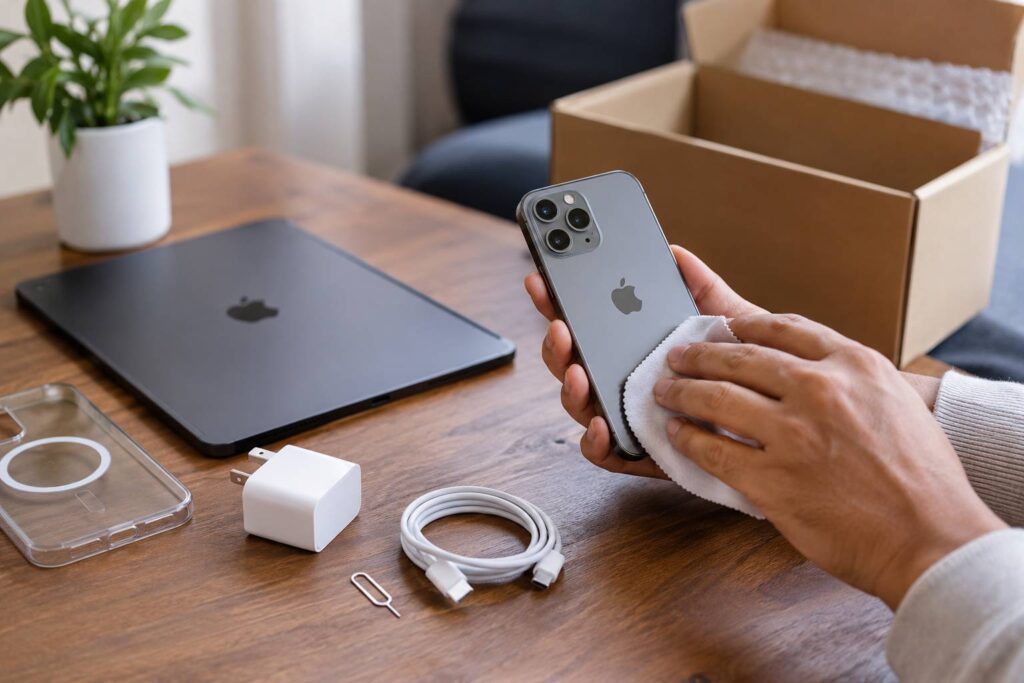
Quick answer: A hand-down iPhone or iPad is ready when four things are true: the battery reads above 80 percent Maximum Capacity or has been replaced, the screen and ports work properly, your data has been backed up and then erased in the correct order, and the device has been signed out of your Apple Account so Activation Lock does not trap the new owner. Tech Care Qatar can service the battery, screen and ports at your home anywhere in Qatar in one visit before you hand it over.
Key takeaways
- Check physical condition first, then do the digital handover. A wiped phone with a dead battery still fails the new owner.
- Sign out of your Apple Account before erasing. Erasing first leaves Activation Lock in place.
- Battery Health below 80 percent means replace the battery or do not hand the phone down.
- A cracked screen that crosses the display should be replaced before handover; cracks spread and let in dust.
- The whole physical prep is one doorstep visit, usually 30 to 40 minutes.
The iPhone 18 Pro arrived in September and, as every year, thousands of older iPhones across Qatar are about to change hands. To a spouse, a parent, a child starting secondary school, or a relative abroad. It is a generous thing to do. It is also the moment when a phone that was fine for you becomes a daily frustration for someone else, because the small faults you learned to live with are now theirs.
This checklist covers both halves of a proper handover: the physical condition of the device and the digital handover of the account. Do them in this order.
Is the old iPhone worth handing down?
An old iPhone is worth handing down if its battery is above 80 percent Maximum Capacity, its screen is intact or replaceable, its charging port works, and it still receives iOS updates. Any iPhone 11 or newer meets the last test in 2026. The first three are checked in under five minutes and fixed in one doorstep visit.
How do you check the battery before handing down an iPhone?
Open Settings, Battery, Battery Health. Above 85 percent Maximum Capacity, the phone will give its new owner a solid day. Between 80 and 85 percent it will feel short. Below 80 percent, hand it down with a new battery or do not hand it down at all.
This matters more for a hand-down than for your own use. You know when your phone needs a charge. A teenager who has just received their first iPhone does not, and a battery that collapses from 30 percent to shutdown in fifteen minutes will make them think the phone is broken. A
certified battery replacement is one of the least expensive iPhone repairs, and it is the single change that most affects how the next owner experiences the device.
Should you replace a cracked screen before handing down an iPhone?
Replace the screen before handover if the crack crosses the display area, has lifted the glass anywhere, or touch has become unreliable. A cosmetic corner crack away from the edges can wait, but be honest about it: it is the crack that spreads the first time the new owner drops the phone.
Run a fingernail across the glass. Check for dead pixels on a white background, for a yellow or green tint, and for any area where touch does not register. A cracked screen also lets moisture and dust in over time, which turns a screen repair into a screen and board repair later.
Why clean the charging port and speakers before handover?
Years of pocket lint compact into a hard plug at the base of the charging port that stops cables clicking in fully. The new owner will report that the phone does not charge properly, and they will be right. Pull the phone out of its case and look into the port under a torch.
The same applies to the speaker and microphone grilles. Muffled calls are usually blocked mesh, not a failed speaker. Both are quick to clean properly with the right tools, and both are done in the same doorstep visit as a battery or screen job.
What should you test before erasing the phone?
Before you erase anything, spend two minutes confirming that both cameras focus, the flash fires, Face ID or Touch ID enrols, the volume buttons and mute switch work, Wi-Fi and cellular connect, and the phone charges wired and wirelessly if it supports it. Fix what fails. Do not leave discoveries for the new owner.
What is the correct order to reset an iPhone for a new owner?
The correct order to reset an iPhone for a new owner is: back up, unpair any Apple Watch, sign out of iMessage and FaceTime, sign out of your Apple Account, erase all content and settings, remove the SIM or eSIM, then remove the device from your account list. Signing out before erasing is the step that clears Activation Lock, and it is the one most people skip.
- Back up the phone. iCloud Backup in Settings, or a full backup to a Mac or PC. If you are moving to a new iPhone, complete that transfer first and confirm the new phone has everything.
- Unpair your Apple Watch, if you have one. Open the Watch app and unpair. This also removes Activation Lock from the watch.
- Sign out of iMessage and FaceTime. Otherwise messages from other iPhone users may continue to route to the old device for a period after handover.
- Sign out of your Apple Account. Settings, tap your name, scroll to the bottom, Sign Out, enter your password. This removes the device from Find My and clears Activation Lock. Skipping it leaves the new owner with a phone that asks for your password on setup and will not proceed without it.
- Erase All Content and Settings. Settings, General, Transfer or Reset iPhone, Erase All Content and Settings. The phone wipes to factory state.
- Remove the SIM or eSIM. Physically remove a nano SIM. For an eSIM, either delete it when prompted during the erase, or transfer it to your new phone first.
- Remove the device from your account list. From your new phone or a browser, open your Apple Account settings, find the old device, and remove it. This confirms the handover is complete.
Once the phone restarts to the Hello screen with no password prompt, it is ready for its new owner.
Why does a wiped iPhone with a worn battery still fail the new owner?
A wiped iPhone with a worn battery fails because the new owner inherits the fault without the context. A phone with a clean erase and a 74 percent battery will be back in your hands within a month with a complaint that it keeps dying. A phone that has been serviced and handed over correctly simply works, and the person receiving it never has to think about it.
It is tempting to treat the digital steps as the real handover and the physical condition as optional. In practice it is the other way round. If you are handing a device to a child, this applies doubly.
Children do not manage charging, do not baby a cracked screen, and will not tell you the port is blocked until the phone is dead.
Hand-down preparation checklist
| Step | What to check or do | Fix if it fails |
| Battery | Battery Health above 80 percent | Certified battery replacement, doorstep |
| Screen | No crack across the display, touch works everywhere | Screen replacement, doorstep |
| Port and speakers | Cable clicks in firmly, calls are clear | Port and mesh clean, doorstep |
| Cameras and buttons | Both cameras focus, all buttons work | Component repair, doorstep or collected |
| Backup | iCloud or computer backup complete | Retry before proceeding |
| Apple Watch | Unpaired | Watch app, Unpair |
| iMessage and FaceTime | Signed out | Settings, Messages and FaceTime |
| Apple Account | Signed out, Activation Lock cleared | Settings, your name, Sign Out |
| Erase | Erase All Content and Settings complete | Settings, General, Transfer or Reset |
| SIM | Removed or eSIM transferred | Physical removal or transfer |
| Account list | Old device removed | Apple Account settings, Devices |
How does Tech Care Qatar get a hand-down device ready in one visit?
Tech Care Qatar services hand-down iPhones and iPads at your home or office anywhere in Qatar. One doorstep visit covers a certified battery replacement, a screen replacement if needed, a port and speaker clean, and a functional test of every component before you hand the device over. Most jobs complete in 30 to 40 minutes, every repair carries a warranty, and the technician can walk you through the erase sequence on the spot.
If you prefer to come to us, the service center is at Office 52, 5th Floor, Al Ezz Tower 4, Old Slata, Doha, open Saturday to Thursday 9 AM to 10 PM and Friday 4 PM to 10 PM.
Message +974 777 42 712 on WhatsApp to book.
Frequently asked questions
What battery health is acceptable for a hand-down iPhone?
Above 85 percent Maximum Capacity is comfortable. 80 to 85 percent is usable but short. Below 80 percent, replace the battery before handover.
Do I have to sign out of my Apple Account before erasing the iPhone?
Yes. Signing out is what clears Activation Lock. If you erase first without signing out, the phone stays locked to your account and the new owner cannot set it up without your password.
Can I hand down an iPhone with a cracked screen?
You can, but cracks spread and let in dust and moisture. If the crack crosses the display or touch is affected, have the screen replaced first.
Does the same process apply to handing down an iPad?
Yes. The account, backup and erase steps are identical on iPadOS, and the battery, screen and port checks apply in the same way.
Can Tech Care Qatar do the battery, screen and port clean in one visit?
Yes. All three are routine doorstep jobs anywhere in Qatar and are usually completed in a single 30 to 40 minute visit.
What if the new owner is abroad?
Complete the full checklist before the phone travels. A locked or faulty device is far harder to sort out once it is in another country.