

Why Is My Apple Watch Battery Draining So Fast? Causes and Fixes
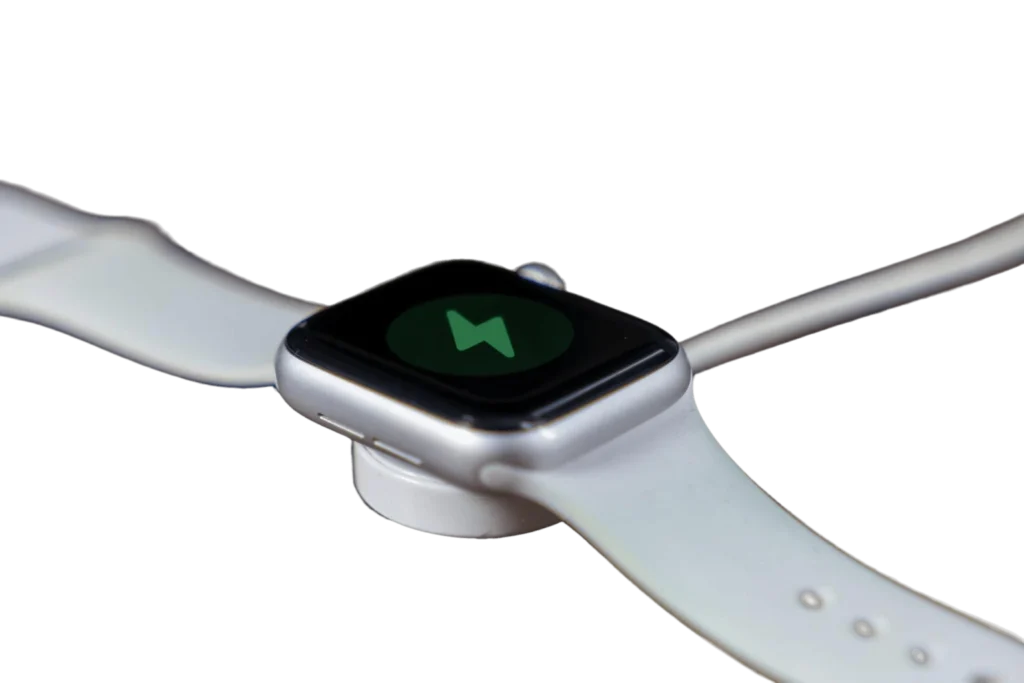
An Apple Watch battery drains fast for one of two reasons: the lithium ion battery has degraded below 80 percent of its original capacity and needs replacement, or power-heavy settings such as Always On Display, continuous heart rate monitoring, and excessive notifications are consuming the charge. The Battery Health screen in the Watch app tells you which case applies in under five minutes, and both cases are fixable.
Key facts at a glance
| Question | Answer |
|---|---|
| Normal battery life per charge | About 18 hours of typical use, up to 36 hours in low power mode on newer models |
| When replacement is needed | Maximum Capacity below 80% |
| Typical battery lifespan | 2 to 3 years of daily use, often less in Qatar’s heat |
| Charge cycles before degradation | Roughly 1,000 complete cycles to 80% capacity |
| Replacement time with Tech Care Qatar | 30 to 40 minutes, at your doorstep, anywhere in Qatar |
How do I check my Apple Watch battery health?
Open the Watch app on your paired iPhone, tap Battery, then Battery Health. The Maximum Capacity figure is the battery’s current capacity relative to when it was new. Interpret it like this:
- Above 85 percent: the battery is healthy. Fast drain is coming from settings, usage, or software, and the fixes below will recover most of it.
- 80 to 85 percent: the battery is aging. Settings changes still help, but expect noticeably shorter days, and plan for a replacement within months.
- Below 80 percent: the battery has reached the end of its designed lifespan. This is the threshold at which no settings change restores full day performance, and replacement is the fix.
While you are in the Watch app, also check Settings, then General, then Software Update. Battery drain bugs are patched in watchOS releases regularly, and an outdated watch can drain fast for reasons no setting will solve.
Which settings drain the Apple Watch battery the most?
Always On Display is the largest single consumer. On Apple Watch Series 5 and later, the always on screen keeps the display’s LTPO panel active at a low refresh rate all day. Disabling it in Settings, then Display and Brightness, then Always On, typically adds several hours per charge. Most people adjust to raise-to-wake within a day.
Continuous health sensors come second. Background heart rate monitoring, blood oxygen measurements on supported models, environmental sound measurement, and workout auto detection all poll hardware sensors around the clock. Each is useful, but if you do not review that data, it is costing you battery for nothing. Trim them in the Watch app under Privacy and Health.
Notification overload wakes the watch hundreds of times a day. Every mirrored alert lights the screen, fires the Taptic Engine, and briefly wakes the processor. Audit which apps genuinely deserve wrist access and mute the rest. Most users can cut notification volume by more than half with no loss.
Weak connectivity forces constant radio searching. When the watch struggles to hold its Bluetooth link to the iPhone, or hunts for Wi-Fi, the radios burn power continuously. This is common in villas and compounds where the phone sits at one end of the property. Keeping the devices within range, or using theater mode and airplane mode strategically, prevents it. Cellular models drain fastest of all when roaming away from the phone, because LTE is the most power hungry radio on the watch.
Background app refresh and dynamic watch faces add up. Third party apps refreshing in the background, and faces with live complications like weather and activity, each cost a small amount continuously. On an aging battery, small amounts decide whether you reach bedtime.
Does Qatar’s heat damage the Apple Watch battery?
Yes, measurably. Lithium ion chemistry degrades faster under sustained high temperature, and the working range for these batteries tops out around 35 degrees Celsius, a figure Qatar exceeds outdoors for months at a time. Three habits do the most damage here:
- Charging while hot. Charging generates heat on its own, so charging a watch that is already hot from the sun or a workout compounds the stress. Let the watch cool before charging, and never charge it in direct sunlight or a parked car.
- Leaving the watch in vehicles. Cabin temperatures in a parked car in Qatar can exceed 60 degrees Celsius, which permanently accelerates capacity loss even when the watch is powered off.
- Outdoor summer workouts with every sensor on. GPS plus heart rate plus heat is the most demanding combination the watch faces. The workout still works, but expect faster long term wear on watches used this way, and expect to reach the 80 percent replacement threshold sooner than the typical 2 to 3 years.
None of this means avoiding the watch outdoors. It means treating heat as the main aging factor for batteries in Qatar, because it is.
When should an Apple Watch battery be replaced?
Replace the battery when any one of the following is true:
- Maximum Capacity reads below 80 percent in the Watch app.
- The watch cannot finish a normal day even after the settings fixes above.
- The watch shuts down suddenly at 20 or 30 percent charge, which indicates the battery can no longer deliver stable voltage under load.
- Charging has become erratic, stalling at certain percentages or taking far longer than usual.
- The screen has begun lifting at the edge. This one is urgent. A lifting screen means the battery is swelling, and a swollen lithium battery inside a sealed watch can crack the display, damage internal components, and in rare cases become a safety hazard. Power the watch off and have it inspected immediately. Do not press the screen back down and do not continue charging it.
Is replacing the battery worth it compared to buying a new Apple Watch?
Usually, yes. A battery replacement costs a small fraction of a new watch and resolves the single most common reason people upgrade, which is that the watch no longer lasts the day. If the watch still receives watchOS updates and the screen and sensors work, a new battery typically buys another two to three years of service. The math changes only when the watch is old enough to have lost software support, or when battery swelling has already damaged the display, in which case combining repairs may approach replacement cost. This is the same repair before you replace logic that applies to iPhones and MacBooks, and it holds even more strongly for watches because the battery is almost always the only worn out component.
Where can I replace an Apple Watch battery in Qatar?
Tech Care Qatar replaces Apple Watch batteries at your doorstep anywhere in Qatar, covering Doha, Lusail, Al Wakrah, Al Rayyan, Al Khor, and every area in between. The service uses certified batteries, includes a service warranty, and is completed in 30 to 40 minutes at your home or office by an independent expert technician. Apple Watch battery service sits alongside Tech Care Qatar’s iPhone, iPad, and MacBook repair services, so multiple devices can be handled in a single doorstep visit. The service is rated 4.9 on Google by customers across Qatar.
Book a doorstep Apple Watch battery check at techcare.qa.
Frequently asked questions
How long should an Apple Watch battery last per charge? About 18 hours of typical use on a healthy battery. Newer models with low power mode enabled can reach 36 hours.
How many years does an Apple Watch battery last? Two to three years of daily use before capacity falls below 80 percent. Sustained heat exposure, common in Qatar, and frequent charging while hot shorten that lifespan.
Can an Apple Watch battery be replaced at home in Qatar? Yes. Tech Care Qatar performs the replacement at your location anywhere in Qatar, in 30 to 40 minutes, with a certified battery and a service warranty.
Does turning off Always On Display really make a difference? Yes. It is the single most effective settings change on Series 5 and later, typically adding several hours of use per charge.
My Apple Watch screen is lifting slightly. Can I keep using it? No. A lifting screen indicates a swelling battery. Power the watch off and have it inspected immediately, because continued use or charging can damage the display and internals.
Can other devices be repaired in the same doorstep visit? Yes. Tech Care Qatar repairs iPhone, iPad, MacBook, Android, laptop, desktop, and gaming consoles, so one visit can cover several devices.